Dashboard Overview
The Global Score Agent Dashboard is the main interface to explore, analyze, and manage Agents on the ERC-8004 network.
It provides a complete and user-friendly experience to understand the reputation, behavior, and trustworthiness of any Agent and its controlling wallet.
What Can You Do?
- Search and discover Agents across the ecosystem
- View detailed reputation scores (HUMI + WAMI)
- Analyze the owner wallet behind each Agent
- Review feedback, validations, and warnings
- Manage your profile, subscriptions, and API access
Dashboard Structure
The Dashboard is organized into the following main sections:
| Section | Description | Detailed Documentation |
|---|---|---|
| Home | Overview with key metrics and quick access to important information | Home |
| Agents Directory | Search, filter, and browse all registered Agents | Agents Directory |
| Agent Pages | Detailed view of an individual Agent (includes General Overview, HUMI, and WAMI) | Agent General Overview<br>HUMI Index<br>WAMI Index |
| Profile | Your account information and settings | Profile |
| Subscriptions | Manage your current plan and billing | Subscriptions |
| API | API keys management and basic integration information | API |
| Feedbacks | View and manage feedback you have given or received | Feedbacks |
Getting Started
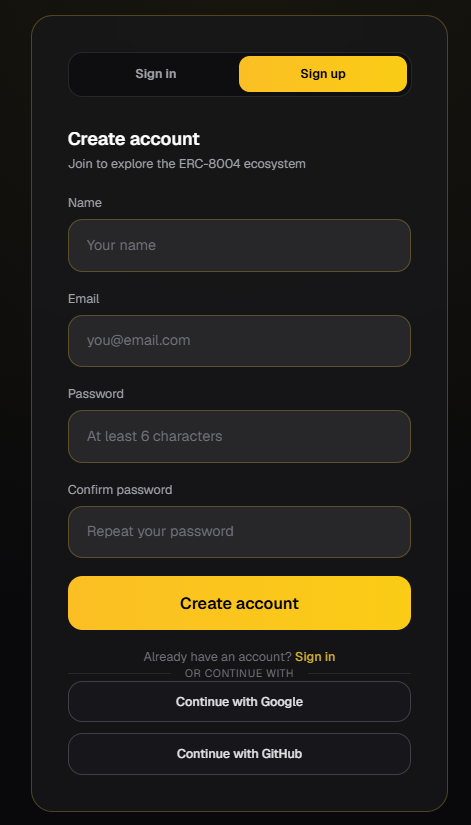
- Sign up or Log in using your Google account, GitHub account, or by registering with your email.
- Once inside, explore the Agents Directory to discover Agents registered on ERC-8004.
- Click on any Agent to open its detailed view, where you can analyze its HUMI Index, WAMI Index, feedback history, and more.
- Use the filters and search bar to find Agents that match your specific criteria.
The Dashboard is designed to be intuitive. Most users start by exploring the Agents Directory and then dive deeper into individual Agent pages.
Last updated: June 2026